One Sales Memory Layer Across Claude Code, Cowork, and KnowSales
A verified KnowSales MCP workflow for Claude Code and Cowork: retrieve customer profiles, product knowledge, and communication history, then write and read back a controlled activity.
The short answer
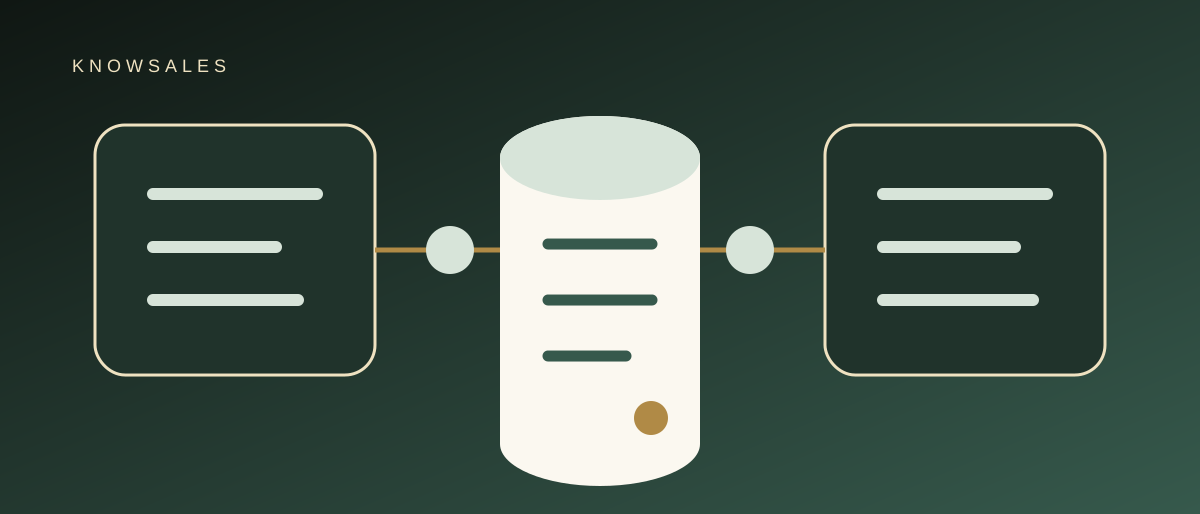
Claude Code and Cowork do not need separate copies of sales knowledge. A more reliable architecture connects both AI workspaces to the same KnowSales context through MCP, while giving each entry point its own least-privilege credential.
The division of responsibility can be simple:
- Claude Code is useful for structured retrieval, repeatable tool workflows, file processing, and systematic review;
- Cowork is useful for combining files, search, connectors, and longer office tasks in a conversational workspace;
- KnowSales stores customer profiles, communication activities, product knowledge, and permission-scoped tools;
- MCP lets both entry points retrieve or update the same business objects when authorized.
As of August 28, 2026, a KnowSales user has continuously completed bidirectional workflows from both Claude Code and Cowork. “Verified” here means first-hand KnowSales use. It is not an Anthropic certification, and it does not guarantee that every future client version or account environment will behave identically.
Why sales memory should not live in two separate chats
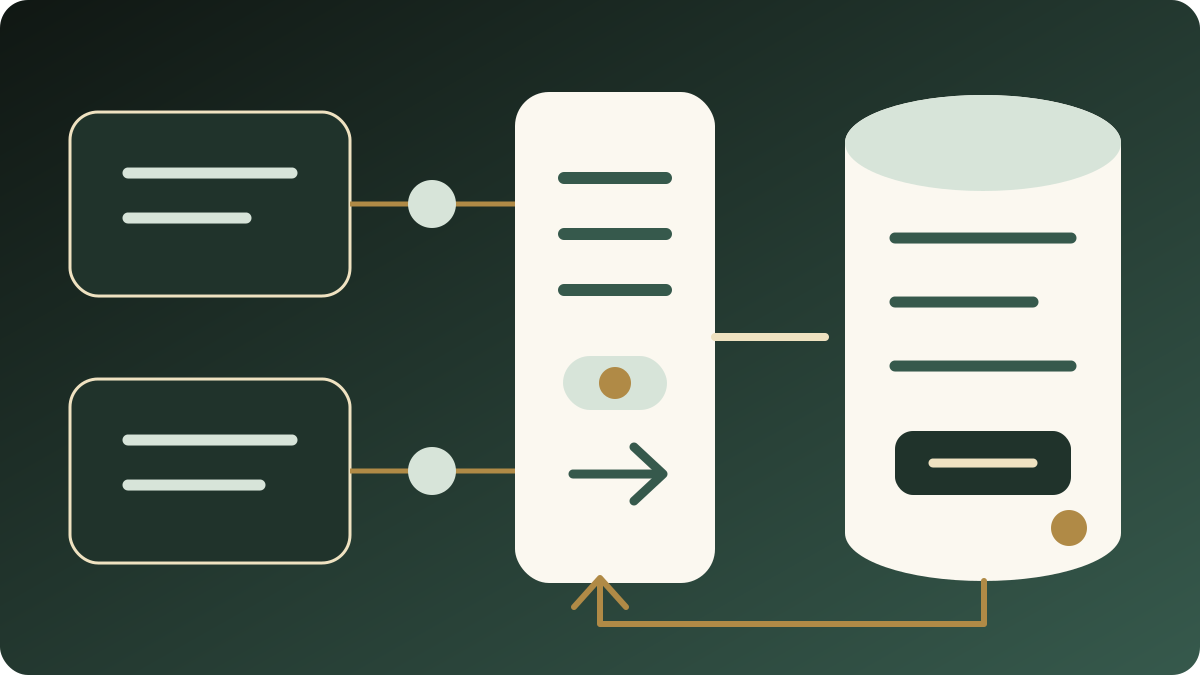
When one salesperson moves between Claude Code, Cowork, and other AI products, four forms of fragmentation appear quickly:
- one workspace knows the latest account update while another sees an older conversation;
- product specifications are copied into several versions with no clear source of truth;
- one-time meetings, durable preferences, and AI inferences get mixed together;
- the AI says it saved something, but the result cannot be read from the real customer page or object API.
This is not primarily a context-window problem. It is a business-data ownership problem. Chat history is useful task context, but it should not replace customer and product records.
How Claude Code and Cowork can divide the work
| Task | Where Claude Code can fit | Where Cowork can fit |
|---|---|---|
| Account research | Multi-tool work with explicit steps and structured output | Research combined with office files and conversational review |
| Batch checking | Repeatable processing across multiple objects and checklists | Human review and adjustment during a longer task |
| Product material | File structure, fields, or bulk content analysis | Reading, organizing, and producing office deliverables |
| Customer reply | Evidence extraction, templates, or repeatable workflows | Discussion, drafting, and language refinement |
| KnowSales writeback | Explicit tools, parameters, and readback steps | User-confirmed capture during an office task |
This is not a capability ranking. The experience varies by model, account, permission, client version, and task. The durable rule is that neither workspace should become a new fact silo.
Anthropic documents that Claude Code can connect to external tools and data through MCP. Anthropic also documents remote custom connectors for Claude and Cowork surfaces, with remote traffic originating from Anthropic's cloud. Network access and administrator settings therefore need to match the deployment. Always use the current official interface for setup.
KnowSales does not dump an entire database into the model
KnowSales MCP separates sales data into explicit tools. The visible tool set depends on the API key allowlist, credential scope, and workspace role. There is no fixed tool count shared by every connection.
A typical workflow may use:
| Stage | Example tools | Purpose |
|---|---|---|
| Find an account | search_customers, list_customers | Deduplicate and locate candidates |
| Retrieve precisely | get_customer | Check the company, profile, and durable facts |
| Read communication | search_activities, get_activity | Retrieve specific historical events and source objects |
| Answer product questions | search_knowledge, get_product_info | Find product, FAQ, and sales knowledge |
| Save profile information | save_customer_info | Store slowly changing company and contact information |
| Save an event | save_activity | Record an email, call, meeting, or next step |
Write tools require the corresponding permission. A knowledge-read credential does not gain write access because an agent asks for it. Customer intake, team knowledge administration, and external sharing should use different credential templates.
A reliable workflow across both entry points
Step 1: Start from the same customer identity
Provide a company name, email domain, contact, or another hard identifier. The agent searches for candidates, then retrieves the selected customer for confirmation. Similar industries or product terms do not prove two records represent the same company.
Step 2: Retrieve only the context required for the task
A customer reply commonly needs:
- durable background from the customer profile;
- the most relevant recent activities;
- product knowledge directly related to the question;
- current public web evidence where necessary.
There is no need to send the entire workspace to the model. Tool-based retrieval narrows data exposure and makes sources easier to verify.
Step 3: Separate facts, inferences, and drafts
The output should distinguish:
- customer-confirmed information;
- internal historical records;
- the current product knowledge version;
- public web or third-party claims;
- AI inference and unanswered questions.
If price, specification, lead time, or contract terms lack evidence, keep them in a draft or confirmation-needed state.
Step 4: Write only the result the user confirmed
Durable company background belongs in the profile. The current email, call, meeting, customer commitment, and next step belong in a separate activity. An AI-generated draft must not be recorded as a sent message before it is actually sent.
Step 5: Read every important write back
After saving, retrieve the real object with get_customer or get_activity and verify:
- the customer ID;
- the new activity ID;
- the business event time;
- body, next step, and related products;
- that a similarly named account was not affected.
The workflow is complete only when the stored object agrees with the intended write.
A synthetic example: from product question to customer reply
“Company A” asks whether a machine fits a new material and attaches a specification file.
In Claude Code, the salesperson can ask the agent to:
- find Company A and verify its domain;
- retrieve its most recent test record;
- search for the related machine and application knowledge;
- extract dimensions, material, and capacity requirements from the attachment;
- produce separate sections for confirmed facts, engineering questions, and a suggested reply.
The salesperson can continue in Cowork to refine language, assemble meeting material, or create an office document. Either workspace can retrieve KnowSales context again instead of relying on a copied summary from another chat.
After the reply is actually sent, the agent can save an activity and read it back. If engineering has not confirmed a parameter, the activity should record “engineering confirmation requested,” not convert the suggestion into a product promise.
Why each workspace should use a separate key
| Practice | Risk | Safer approach |
|---|---|---|
| Reuse one long-lived key in Claude Code and Cowork | Cannot revoke or diagnose one entry point separately | Create one key per client |
| Grant full write access everywhere | One configuration error has a wide impact | Start read-only and add scoped write access only when needed |
| Put a key in a repository, screenshot, or shared document | Credential can remain exposed | Use secure client configuration or environment variables |
| Treat a green connection indicator as acceptance | Does not prove tool scope or authorization | Validate tools/list and real allowed/denied calls |
| Trust the agent's “saved” message | It may write the wrong object or nothing at all | Read back by customer or activity ID |
KnowSales API key visibility is constrained by the credential allowlist, scope, and workspace role together. Separate credentials make both troubleshooting and revocation more precise.
Six acceptance checks before rollout
- Claude Code and Cowork can each list tools;
- a read-only key does not expose customer write tools;
- a known product entry can be retrieved and its source checked;
- a clearly identified synthetic customer can be retrieved;
- one unambiguous activity can be written only in an authorized environment;
- the returned ID can be read back and matched on the KnowSales page.
Repeat these checks when a client version or admin policy changes instead of relying on an old successful connection.
Current boundaries
- KnowSales exposes customer, activity, product knowledge, and permission-scoped MCP tools, but each credential can see a different subset;
- Claude Code and Cowork bidirectional use is based on continuing first-hand use, not vendor certification;
- Anthropic controls connector availability, permissions, plans, and client behavior, which can change;
- an AI can still select the wrong object, omit a source, or misread a file, so important commercial facts require human review;
- the built-in KnowSales Agent is a complementary surface, not a replacement for the general office experience in Claude Code or Cowork.
Related reading
- KnowSales MCP in Practice
- Require a Write Plan Before an AI Agent Writes to CRM
- Why AI Sales Answers Need Source Citations
- Why the Sales AI Moat Is Not the Model
Next step
Connect Claude Code, Cowork, or another AI workspace to KnowSales. Create a separate least-privilege key for each entry point and validate read access first. Add scoped write access only when the workflow needs capture, then complete one real object readback.
Compatibility checked August 28, 2026. Company A is a synthetic example and does not represent a real customer.