Stop Relying on Memory: AI Follow-Up Dashboards and Dormant Customer Alerts
Use an AI follow-up dashboard to organize overdue actions, today's work, upcoming plans, pipeline stages, and explainable dormant-account alerts.
The short answer
The most common follow-up problem is not that a seller has nothing to say. It is that the seller cannot see who deserves attention first.
Traditional CRM systems store many activities while leaving the actual next step buried in notes, inboxes, and personal memory. A useful AI follow-up dashboard does more than summarize records. It combines overdue work, today's commitments, near-term plans, account stages, and dormant signals under a set of rules the user can understand.
Within one minute, a seller should be able to answer:
- Which accounts are already overdue?
- Which opportunities deserve action now?
- Why did the system put them here?
From a system of record to a system of action
The first job of CRM was to record customers. With AI, vendors are moving toward systems that summarize, recommend, and act. Microsoft's agentic sales positioning for Dynamics 365, for example, connects sales context, insight, and action inside the business workflow.
But “proactive” should not mean “the model decides silently.” An action system needs explicit definitions: what counts as the latest meaningful activity, when a follow-up becomes overdue, how dormancy thresholds differ by stage, and which source provides the next date.
Without visible rules, natural-language recommendations are still a black-box score.
Six information groups a follow-up dashboard needs
1. Overdue follow-ups
The next action date has passed and no later qualifying activity exists. These items deserve priority, while still allowing a rep to correct the date or mark the account as intentionally paused.
2. Today's commitments
These are explicit promises to act today. They should not be mixed with accounts that an AI merely predicts may be important.
3. The next seven days
Upcoming work gives sellers time to prepare files, quotations, and meetings before a reminder becomes urgent.
4. Stage distribution
Stages help managers see pipeline congestion, but stage definitions must come from the actual sales process rather than free-form model interpretation.
5. Recent activity and new accounts
Together, these reveal relationships gaining momentum and new inquiries that have not received a first meaningful response.
6. Dormant-account alerts
Dormancy is not simply “many days since a message.” Different stages, regions, and sales cycles need different thresholds. An account explicitly waiting for a future budget should not be repeatedly treated as forgotten.
A synthetic morning queue: which account comes first?
A seller opens the dashboard and sees:
- Customer Company A: a technical confirmation was due yesterday, with no updated activity;
- Customer Company B: a quotation is planned today, but quantity remains unconfirmed;
- Customer Company C: no conversation for several weeks, while the latest activity explicitly says “wait for the next budget cycle.”
Sorting only by days since last contact puts Customer Company C first. A better action order is:
- address the overdue commitment for Customer Company A;
- complete the missing quotation input for Customer Company B;
- keep Customer Company C on its future plan rather than misclassifying a known wait period as neglect.
AI adds value by reading dates, activity meaning, and customer stage together. The seller still confirms the action.
How the KnowSales customer dashboard works
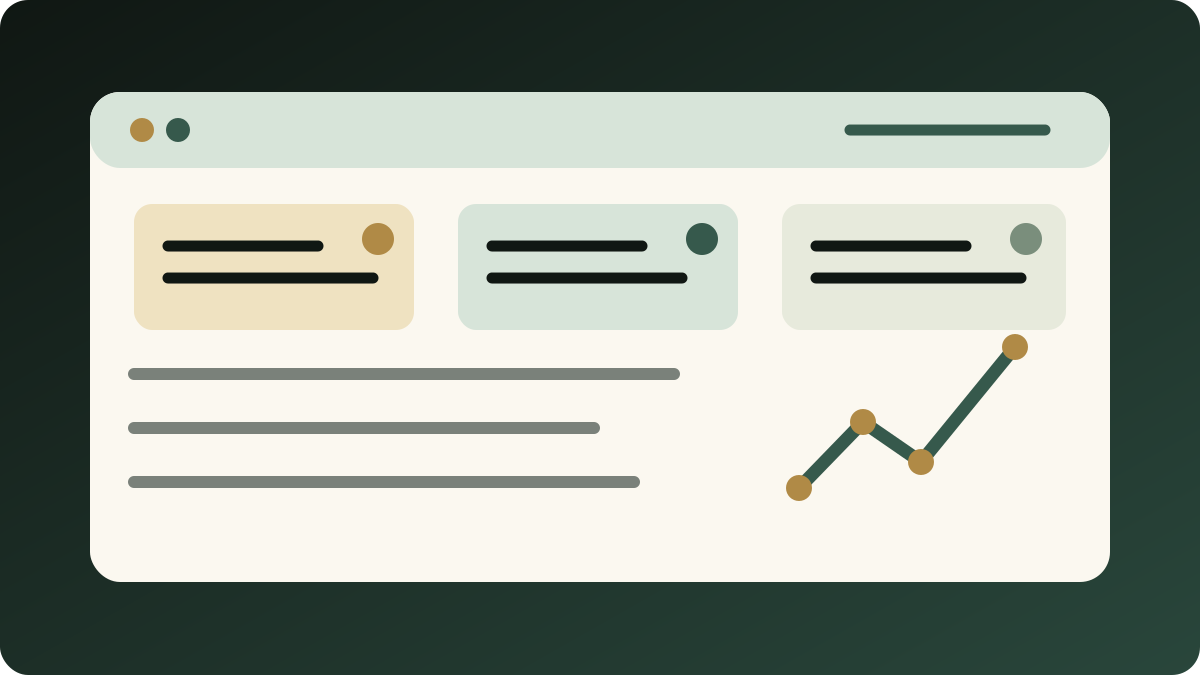
The KnowSales customer dashboard organizes sales memory into six modules: overdue and today's follow-ups, the next seven days, stage distribution, recent activities, new customers, and dormant-account warnings.
Several design choices matter:
- the dashboard and Agent use the same server-side rules, so their definitions do not drift;
- next follow-up date, interval, and recent activity link back to the underlying customer object;
- the Agent can read the dashboard and prepare an action-oriented daily brief;
- reading the dashboard does not modify customer data; saving a follow-up date or activity uses a separate write tool.
The general approval-and-write loop is not yet enabled in the /home Agent. “Show the next step, confirm it, then write” is therefore the required operating pattern and a release gate for future Agent writeback, not an automated dashboard feature available today.
The dashboard does not automatically establish win probability. When account records are incomplete, it should expose the missing evidence rather than invent a next step.
A four-step rollout
Step 1: normalize customer activity
Separate stable profile facts, individual activities, and internal judgment. Without this data boundary, reminders become noisy over time.
Step 2: define the minimum next-step fields
Capture the action, owner, target date, and evidence. “Keep following up” is not a useful next step.
Step 3: set intervals by stage
New inquiries, active quotations, decision waits, and after-sales accounts should not share one dormancy threshold.
Step 4: require the AI to explain ranking
Every recommendation should answer: which record, date, or rule put this account here?
Eight evaluation questions
- Are overdue, today, and upcoming groups mutually understandable?
- Does every next step have an owner and date?
- Can dormancy thresholds differ by stage?
- Are paused, lost, and completed accounts excluded appropriately?
- Does each recommendation link to original activity?
- Do managers and sellers use the same rules?
- Can AI change account status without confirmation?
- Does missing data remain visible?
Related reading
- Why an AI Sales OS Needs a Layered Workflow Stack
- Before an AI Agent Writes to CRM, Require a Write Plan
- From WhatsApp and WeChat Threads to Sales Memory
Next step
If your team still manages follow-up through memory, pinned chats, and scattered spreadsheets, explore KnowSales for B2B sales teams.
This article is based on the current KnowSales customer dashboard and Agent read path. All examples use synthetic data.