After the Agents API: What a Long-Running Sales Agent Must Remember
Long-running agents can resume a task. Sales teams also need customer identity, evidence, current status, and safe CRM write-back to survive the pause.
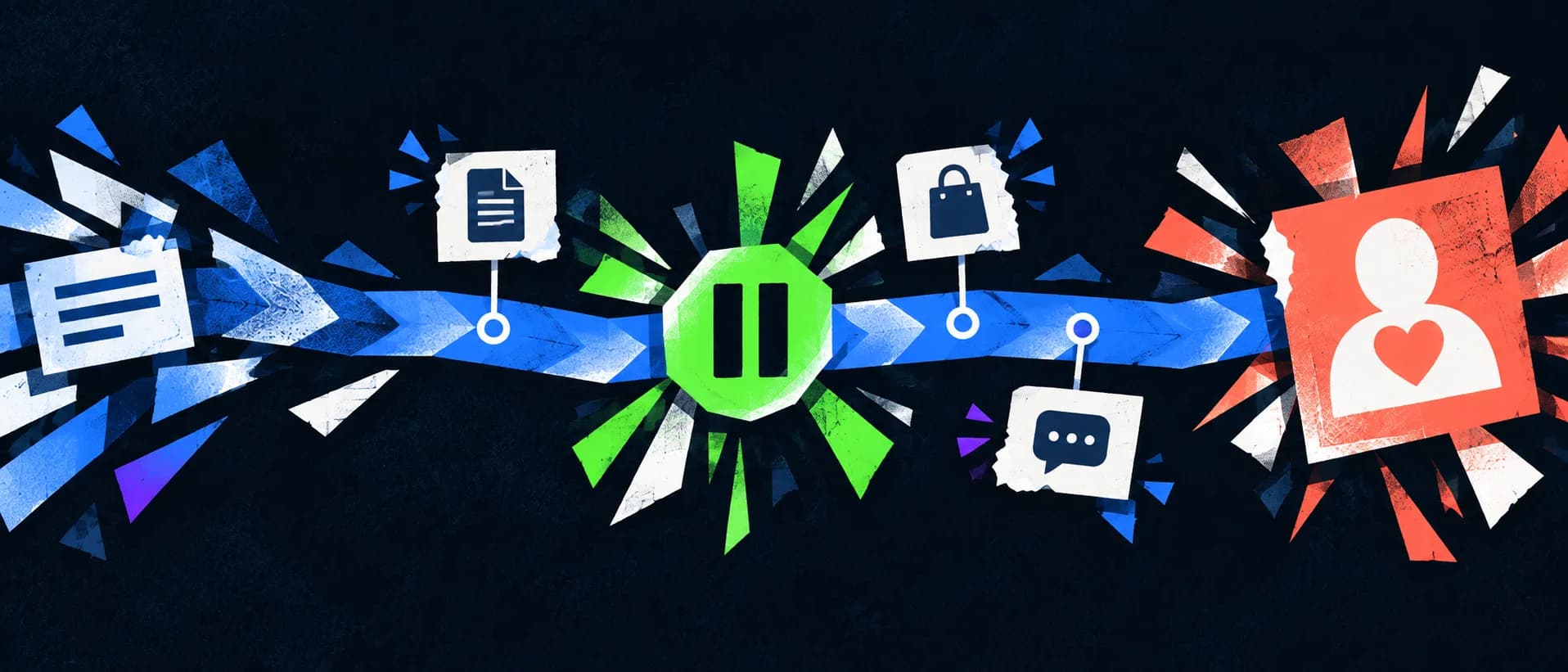
A resumed task still needs the right customer facts
On September 10, 2026, OpenAI introduced the Agents API in public beta. The announcement describes infrastructure for agents that manage context, use tools, and save intermediate work over long runs. The API changelog adds durable sessions, recovery, and connections to tools and MCP servers.
That matters to sales teams. An agent can spend time assembling an account brief or proposal rather than answering a single prompt. Yet resuming the workflow does not prove that the customer facts inside it are correct. An agent may carry an outdated quote, a promise made to another account, or an unverified product fit into the next step.
The useful distinction is between task memory and sales memory. Task memory says which step finished and where execution should resume. Sales memory says which company the facts belong to, who said them, when they were true, and who may use them. The first belongs to an agent runtime. The second needs a governed customer and knowledge layer.
Six fields worth preserving with every claim
Before an agent reuses a sales claim, it should be able to recover six things:
| Field | Question it answers |
|---|---|
| Entity | Which exact customer or product does this concern? |
| Type | Is it a stable profile fact, a dated interaction, or reusable product knowledge? |
| Source | Which email, meeting, document, or verified page supports it? |
| Time | When did it happen, and is it still current? |
| Status | Was it requested, confirmed, proposed, or left for review? |
| Audience | Is it private, team knowledge, or safe to share externally? |
Consider a synthetic account, Example Customer A. It requests a demonstration next week. The agent pauses after reading a product sheet. When it resumes, “customer wants a demo” is not enough: the request may concern a specific subsidiary, and the sheet may describe a configuration that engineering has not approved for that application. A smooth continuation can still lead to a bad customer email.
Four checkpoints for a long-running sales workflow
Lock the account before reading private history
Match the company with hard identifiers such as the email domain or phone number. Country and product similarity are useful search clues, not identity proof. If the match is uncertain, the agent may continue public research but should hold customer-specific updates.
Keep evidence beside the working draft
Store the source for each consequential claim. An AI summary is a convenient draft, not a replacement for the email or product document behind it. Mark price validity, delivery dates, compatibility, and commercial terms as confirmed or pending.
Refresh changing facts on recovery
A checkpoint is a record of previous progress. It is not a guarantee that the world stood still. New customer replies, changed quotes, owner reassignment, or updated product guidance should be read again before producing a final response.
Read back after any CRM write
A completed meeting or sent email belongs in a dated activity. Stable company background belongs in the profile. After writing, fetch the target record by ID and check its customer, text, and date. If the read-back fails, investigate the existing write ID rather than creating a duplicate.
Where KnowSales fits
KnowSales provides customer profiles, dated activities, product knowledge, and MCP tools that authorized AI workspaces can use as a consistent sales context. Source citations help people inspect the basis of an answer. Writes still need the right target, permission, confirmation, and read-back. See the customer memory layer and MCP memory architecture for the broader pattern.
KnowSales has a durable task foundation in a limited Production Owner rollout, with final live acceptance still pending. The recovery checkpoints in this article are requirements for evaluating a sales agent; they are not a claim of general availability in KnowSales.
A first experiment with low risk
Choose one account whose identity is unambiguous. Ask the agent to read the last three interactions, list open questions, and prepare a meeting brief without writing anything. Compare every important claim with the original records. If it keeps identity, source, and timing straight, move to drafting. Add write-back only as a separately reviewed step.
FAQ
Does the Agents API maintain my CRM record for me?
It supplies agent runtime and session capabilities. Your business system still defines customer identity, permissions, record types, and lifecycle.
Can a larger context window replace a customer memory layer?
It can hold more material, but it does not automatically resolve conflicting entities, stale claims, or safe write-back.
What should be refreshed when an agent resumes?
New replies, quotes, delivery dates, account ownership, and any fact that may change a customer-facing commitment.
Which workflow should we test first?
Start with a read-only account brief. Then use a sales agent evaluation checklist to test identity, evidence, and permissions before granting more actions.
To test whether your AI workspace can retrieve the right customer context, explore KnowSales connections and begin with a read-only question.