Beyond PDFs: Share Customer-Ready Product Knowledge
A safer B2B knowledge-sharing workflow using customer-ready links, clear source context, revocation, and content boundaries instead of attachment sprawl.
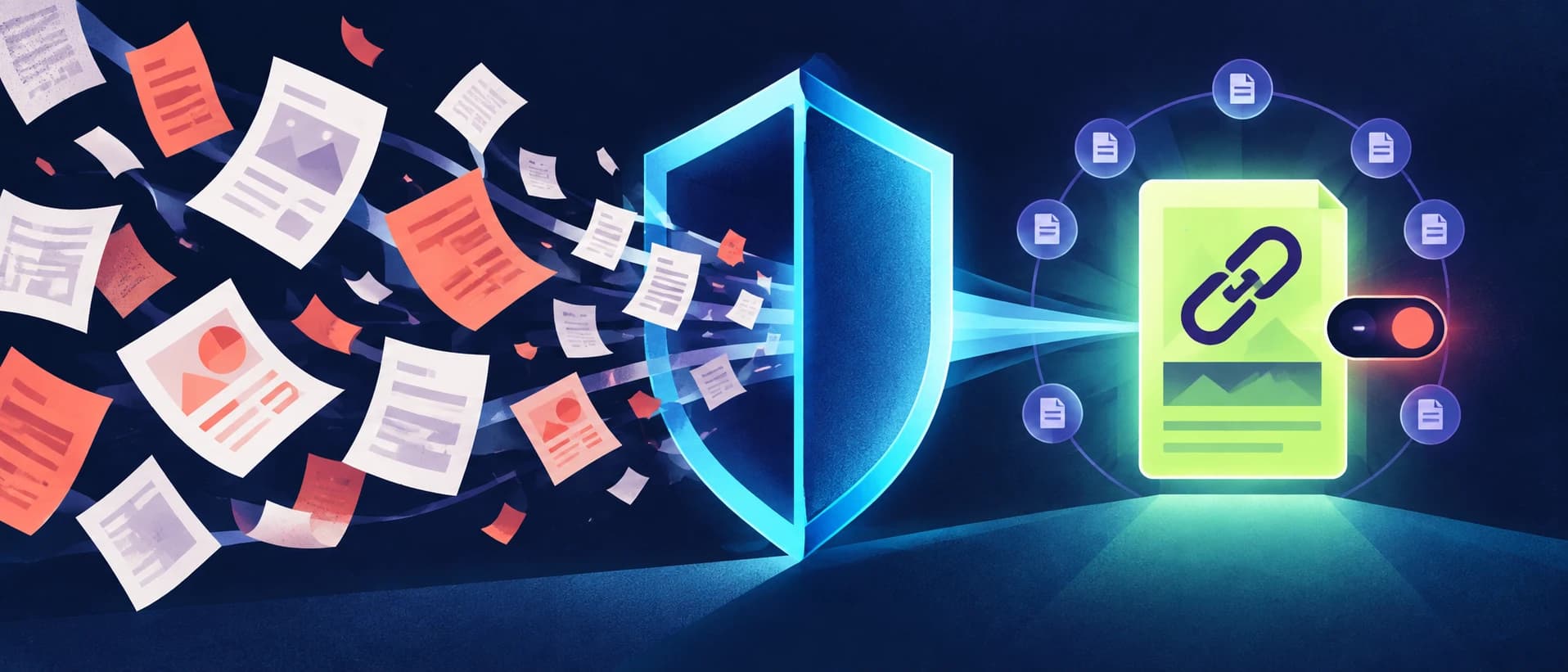
The problem is not the PDF format—it is the copy
Product sheets, technical explanations, and FAQs often leave a company as email attachments. The first attachment may be correct. The trouble starts after it is downloaded, renamed, forwarded, translated, and stored in several chat groups.
Soon the sales team cannot answer basic questions:
- Which copy is current?
- Who approved the claims?
- Does this version contain internal notes?
- Can access be withdrawn?
- Will the preview make sense before the recipient downloads anything?
PDFs remain useful for formal manuals and fixed documents. But many customer questions do not need another file. They need a small, readable, source-aware piece of product knowledge.
What makes a link customer-ready?
A raw internal share URL is not automatically suitable for a customer. A customer-ready knowledge link needs at least six properties.
1. A clear title
The recipient should understand the subject before opening it. Avoid internal naming conventions and unexplained version codes.
2. A useful preview
Messaging apps and email clients often display a title, short description, and image. The preview should start with the customer-useful conclusion, not “I searched the knowledge base” or another internal process note.
3. A clean audience boundary
The page should contain only the approved answer. Internal reasoning, customer history, hidden prompts, and unrelated knowledge must stay out.
4. Source context
The reader should know what kind of material supports the answer and when it was last reviewed. A concise source note is more useful than an unexplained confidence score.
5. A controlled lifecycle
The owner needs to update, disable, or replace the share when information changes. A downloaded attachment cannot be recalled.
6. Mobile readability
The link will often open inside a phone's messaging app. It must work without a complex navigation shell or account setup when public access is intended.
Public link, authorized library, or downloadable file?
Choose the smallest sharing model that completes the job.
| Need | Best fit |
|---|---|
| One approved answer for one conversation | Customer-ready public link |
| Ongoing access to a governed product collection | Authorized knowledge library |
| Complete formal manual or offline package | Downloadable file |
| AI retrieval inside a partner's own workspace | Read-only MCP access |
These options can coexist. The mistake is using the broadest option by default.
A seven-step publishing workflow
- Start from the exact customer question.
- Select only the product knowledge needed to answer it.
- Remove customer-specific and internal-only details.
- Check version, conditions, and source ownership.
- Write a customer-facing title and first-sentence summary.
- Preview the page and social card on desktop and mobile.
- Share the link and retain a way to revoke or update it.
This workflow is faster than rebuilding a polished PDF for every small question and safer than forwarding an internal knowledge page.
What happens after the link is sent?
Sharing is not finished when the message leaves the seller's inbox. Assign an owner who can answer three later questions: Is the statement still current? Did a market, configuration, or commercial condition change? Should the recipient still have access?
If the answer changes, update the governed source first and then refresh the public presentation. Do not quietly edit a commercially important promise without retaining its effective date or review history. If the material becomes unsafe to share, revoke the link and replace it with a clear contact path rather than leaving an obsolete page available.
This lifecycle is where a controlled link improves on an attachment. A downloaded PDF cannot be recalled from every device, while a governed page can point future visitors to the latest approved answer. It does not erase copies or screenshots, so sensitive material should still use authorization instead of a public URL.
How KnowSales creates a cleaner share
KnowSales supports customer-ready knowledge links with a dedicated public presentation. The sharing flow can derive a concise preview from the answer while removing leading process language such as “I will search” or “based on the knowledge-base results.”
The public page and preview are separate from the internal knowledge workspace. That separation matters: the recipient receives the useful answer, not the agent's working process.
For broader partner access with tool-level permissions, read How to Share Product Knowledge Securely with Partners Using MCP.
Write the preview for the recipient
A weak preview says:
Based on the information available in the knowledge base, we can provide the following answer.
A stronger preview begins with the substance:
This workflow covers file preparation, processing, quality checks, and the conditions that still require confirmation.
The second version helps the recipient decide whether to open the link. It also performs better when shared in chat because the first visible sentence carries meaning.
Multilingual sharing without image duplication
Customer-facing knowledge may be written in different languages, but its visual asset should not depend on embedded text whenever possible.
Use a text-free cover image, localize the page title and description, and keep the canonical source relationship clear. This prevents an English graphic from appearing inside a Spanish or Chinese answer and reduces maintenance when wording changes.
The translation still needs review. A multilingual page does not make an unverified product claim safe.
What must never appear in a public knowledge link
- another customer's name or history;
- internal discount logic;
- unpublished roadmap details;
- private source URLs or credentials;
- seller speculation presented as product fact;
- a statement that was approved only for a different market or configuration;
- internal AI instructions or retrieval traces.
Public presentation is a separate publication decision, not a formatting toggle.
Frequently asked questions
Are customer-ready links better than PDFs?
They are better for concise, updateable answers. PDFs remain appropriate for formal, complete, downloadable documents. Use the format that fits the customer's job.
Should every knowledge card be publicly shareable?
No. Public sharing should be disabled by default and enabled only for content whose source, audience, and commercial conditions have been reviewed.
Does a public link require the customer to create an account?
Not necessarily. A single public answer can be anonymous, while a larger authorized library may require identity and access control.
Can a shared link be used by an AI assistant?
An AI may read a public page, but governed programmatic access is better handled through a scoped interface such as read-only MCP, especially for a collection of knowledge.
Share the answer, not the internal workspace
The best customer enablement content is not always a new document. Often it is one current, approved answer presented in a format that is easy to open, understand, update, and withdraw.
Explore KnowSales knowledge sharing and begin with one low-risk product FAQ before opening a broader library.