AI-Native CRM vs Traditional CRM: 7 Architecture Decisions That Reveal the Real Difference
How powerful Salesforce and HubSpot are isn't today's question. The real question: can a CRM designed around tables and pipelines become the AI-era sales brain your team needs?
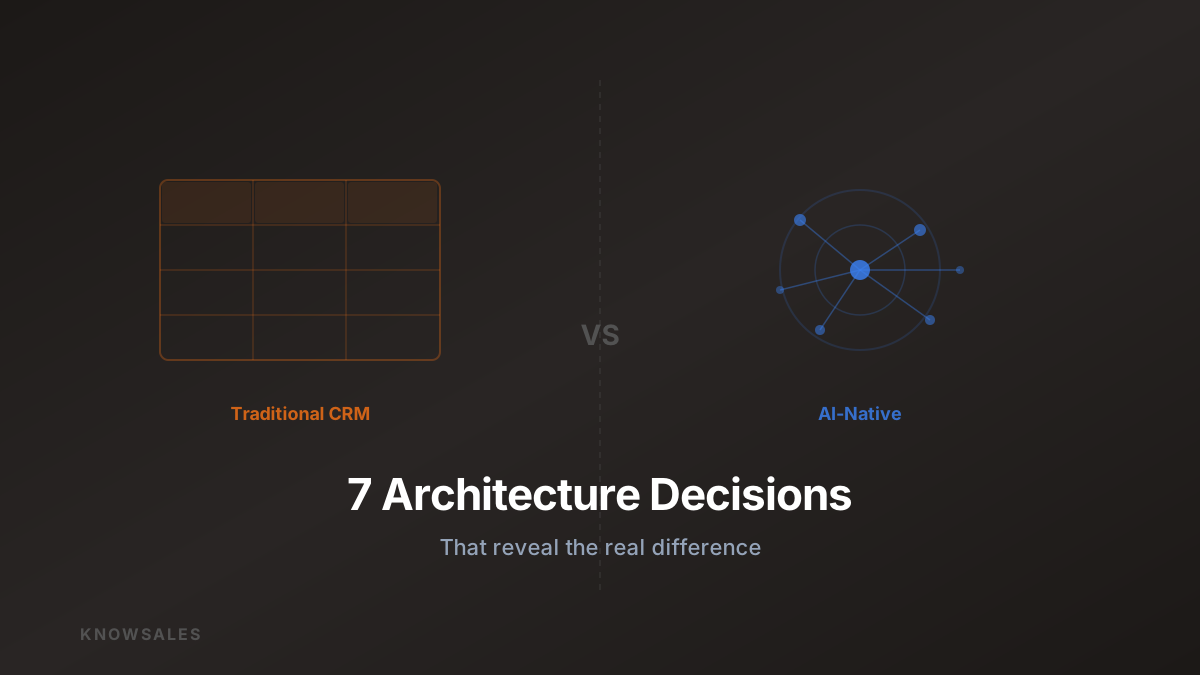
A Worn-Out Question — and a Better One
"Salesforce or HubSpot — which is better?"
This question has been asked hundreds of thousands of times across sales forums. The answer is always roughly the same: depends on team size, budget, feature requirements, integration ecosystem...
This is a reasonable — but outdated — frame.
The better question: can a CRM designed before AI became the core of sales tools actually work in the AI era?
This isn't a dismissal of traditional CRM's value. Salesforce has a market cap north of $200 billion. HubSpot is the de facto standard for SMB sales tools. Both are excellent, market-validated products.
But "excellent" is contextual. When underlying technology undergoes a paradigm shift, architectural choices that were smart in one era can become constraints in the next.
The Design Assumptions Behind Traditional CRM
Traditional CRM systems were born in the late 1990s, built on these assumptions:
- Information flows are structured: Customer data can be organized in tables, fields, and pipelines
- Records substitute for behavior management: Logging activity in CRM = managing sales behavior
- Search is reactive: Users have explicit query intent; the system provides corresponding data
- AI is an add-on: AI capabilities bolt onto existing functionality (predictive analytics, smart alerts)
These assumptions were reasonable at the time — relational databases and rule engines were the only available technology.
AI has invalidated each of these assumptions.
7 Architecture Decisions, 7 Fundamental Differences
Let's compare traditional CRM and AI-Native CRM through the lens of specific architectural decisions.
Decision 1: Data Model — Tables vs. Knowledge Graphs
Traditional CRM: Customer data lives in predefined fields: company name, contact, deal amount, status. Classic relational database structure — great for reporting, but semantically thin. "Customer A's deal amount is $100K" contains almost no contextual value for AI.
AI-Native CRM: Customer data is stored semantically: What are the customer's core pain points? Which topics trigger strong emotional responses? What does each stakeholder in the decision chain care about? Which signals in recent conversations showed positive engagement?
This information doesn't fit in table fields — but it's exactly what AI needs as context.
Decision 2: Knowledge Source — Record the Customer vs. Capture Team Experience Too
Traditional CRM: Records information about the customer — conversation history, deal status, contract attachments. Doesn't capture knowledge about sales methods.
AI-Native CRM: Maintains two knowledge bases simultaneously:
- Customer knowledge: All context about each customer
- Product and method knowledge: Team-accumulated product knowledge, competitive intelligence, script library
When a salesperson is in a conversation, AI draws on both dimensions simultaneously to give genuinely useful guidance.
Decision 3: AI Integration — Plugin vs. Native
Traditional CRM: AI features are added as modules on top of existing systems — Salesforce Einstein, HubSpot AI Assistant. These modules can only access CRM's existing structured data; they can't understand the semantic context of a conversation.
AI-Native CRM: AI is the system's core, not an add-on layer. The entire data architecture is designed for AI consumption — vector storage, semantic retrieval, real-time context injection — these are infrastructure, not feature plugins.
Decision 4: Knowledge Retrieval — Keyword vs. Semantic Vector
Traditional CRM: Search depends on keyword matching. You enter "manufacturing customer," the system returns records where the industry field says "manufacturing." If the record says "factory" or "production line," it won't appear.
AI-Native CRM: Semantic vector search. A salesperson enters "any customers who worried about delivery timelines before?" The system understands the meaning and returns all customers who expressed delivery-related concerns in historical records — regardless of exact phrasing.
Decision 5: Customer Insights — Static Reports vs. Dynamic Knowledge Graph
Traditional CRM: Customer insights appear as reports — deal cycle analysis, funnel conversion rates, sales leaderboards. These are retrospective, telling you "what happened."
AI-Native CRM: Customer insights form a dynamic knowledge graph — which opportunities are currently at risk, which customers recently changed decision-makers, which industries are closing faster, which scripts are performing significantly above average for specific customer types... Real-time, predictive, and actionable.
Decision 6: Knowledge Continuity — Individual-Dependent vs. Systematized
Traditional CRM: When a salesperson leaves, what remains in CRM is "activity logs" — meetings, calls, emails. Why they made certain moves, which judgments were turning points, what language connected with this customer — all of that leaves with the person.
AI-Native CRM: Captures the decision-making process, not just the action. Not only "what was done" but "why it was done" — annotated conversation nodes, applicable conditions for successful scripts, critical turning points in customer decision paths... Knowledge stays in the system, not in people's heads.
Decision 7: Team Enablement — Training vs. Real-Time Assistance
Traditional CRM: Sales capability improvement happens through training — onboarding, quarterly sessions, product update courses. Knowledge is delivered in bulk at training time; reps rely on individual memory during conversations.
AI-Native CRM: Provides real-time assistance at the moment the conversation is happening. When a customer says something, AI immediately retrieves the most relevant response approaches from the knowledge base and surfaces them to the rep within 5 seconds. Knowledge is accessed when it's needed, not deposited in a training room.
The Architecture Difference, Visualized
The simplest way to express the fundamental difference:
Traditional CRM architecture:
User behavior → Manual data entry → Structured database → Reports/Analysis → Management decisions
AI-Native CRM architecture:
User conversation → Auto-extraction → Vector knowledge base ↔ AI engine → Real-time assistance/insights → User behavior
The key difference: AI isn't the endpoint (generating reports) — it's the hub in a continuous loop (enabling action in real time).
The Migration Cost from Traditional CRM Is Higher Than You Think
A common objection: "We have five years of data in Salesforce. The migration cost is too high."
This concern is real. But there's a hidden cost that's often overlooked:
The five years of data you accumulated in Salesforce is nearly unusable by AI.
Because that data was designed for human readability — fields, notes, attachments — not for AI consumption. AI needs semantically rich, vectorized knowledge, and traditional CRM's data structure can't provide that.
In other words: you thought you were building a "digital asset." What you actually built is an "archive only humans can interpret."
Who Should Seriously Reconsider Their CRM Strategy?
Not every sales team needs to immediately reassess. These are strong signals to pay attention to:
Strong signal 1: New rep ramp time is long and expensive
If new salespeople need more than 6 months to reach average performance, team knowledge transfer depends on apprenticeship rather than systems. AI-Native approaches can significantly compress this timeline.
Strong signal 2: Sales team CRM usage rates are low
Traditional CRM data entry is a burden, not a tool. If your reps only open CRM when reporting, the system isn't producing value at the moment of conversation.
Strong signal 3: Objection handling capability varies widely across the team
If close rate differences are primarily driven by individual capability, team experience isn't being systematically extended to everyone.
Strong signal 4: Knowledge management completely depends on "senior reps mentoring juniors"
Mentorship works but doesn't scale. As team size grows, this bottleneck becomes increasingly visible.
KnowSales' Position: Sales Knowledge Layer, Not CRM Replacement
To be clear: KnowSales is not trying to replace your existing CRM.
KnowSales' position is the Sales Knowledge Layer — handling specifically what traditional CRM can't: product knowledge, script libraries, competitive intelligence, customer conversation context, and real-time AI assistance.
The two coexist naturally:
- Traditional CRM manages the deal pipeline, contracts, and activity logs
- KnowSales manages sales knowledge, conversation assistance, and team experience capture
One handles "transaction data." The other handles "sales intelligence."
Conclusion: Not Replacement — Elevation
Traditional CRM solves the problem of "recording and managing sales behavior."
AI-Native sales knowledge management solves the problem of "enabling and transmitting sales capability."
These are fundamentally different problems, requiring fundamentally different tools.
The 7 architectural decisions above aren't about which is better — they're about recognizing that these systems solve essentially different problems.
Your CRM remembers what your salespeople did.
But who records why they succeeded — and how to make the next person succeed too?